EN
Argento
track your personal,
family or corporate
profits and expenses
family or corporate
profits and expenses
get it right now

iOS

Android

macOS
or learn more below
store all your transactions
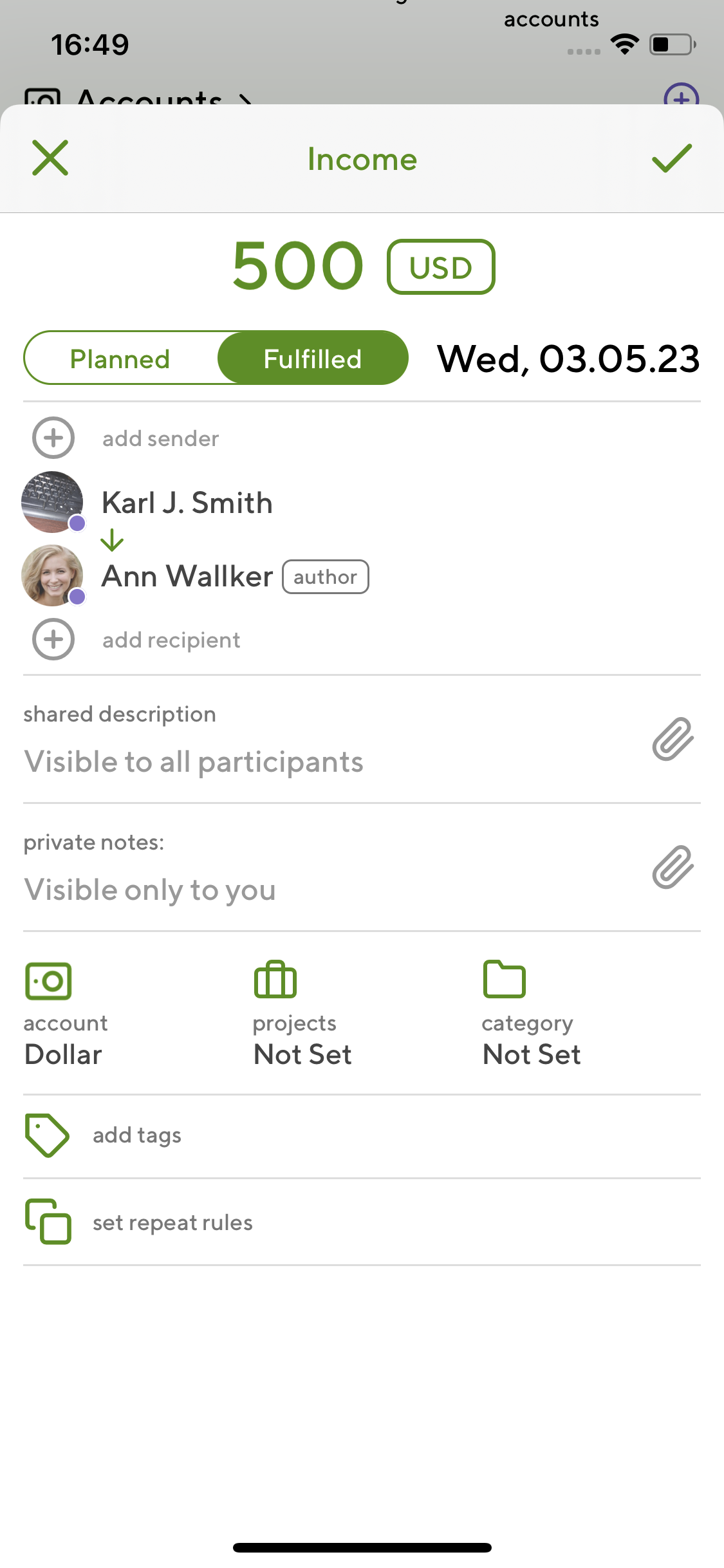
Argento supports more than 10 different kinds of transactions.
income
expense
transfer
convertation
loan
interest
reportable expense
Most of their attributes are common but each type has it’s own peculiarities.
approve and get approvals
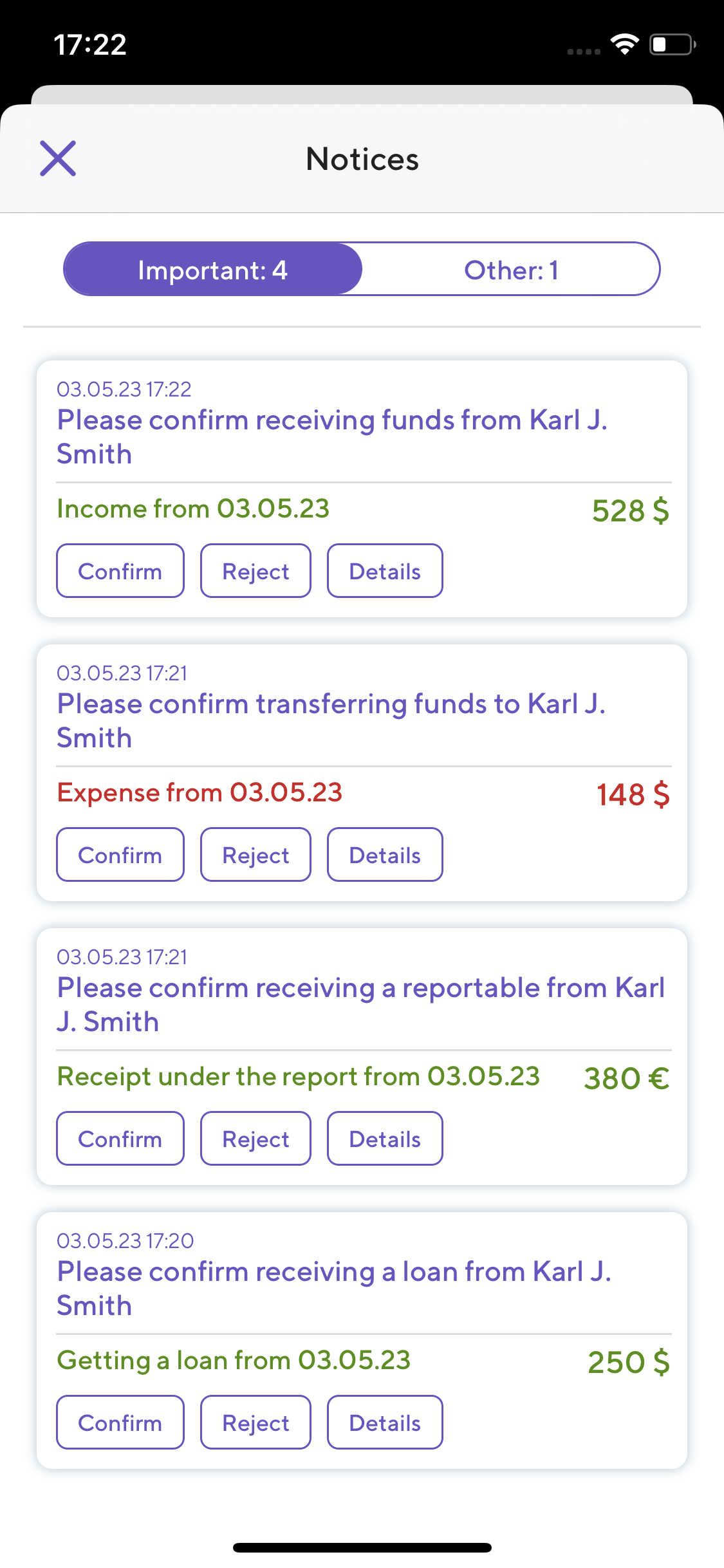
When you create a transaction with other Argento users, they have to approve it.
You’ll never be told that someone doesn’t remember about transaction.
Approvals are always mutual, and Argento keeps all the history.
chain the money transfers
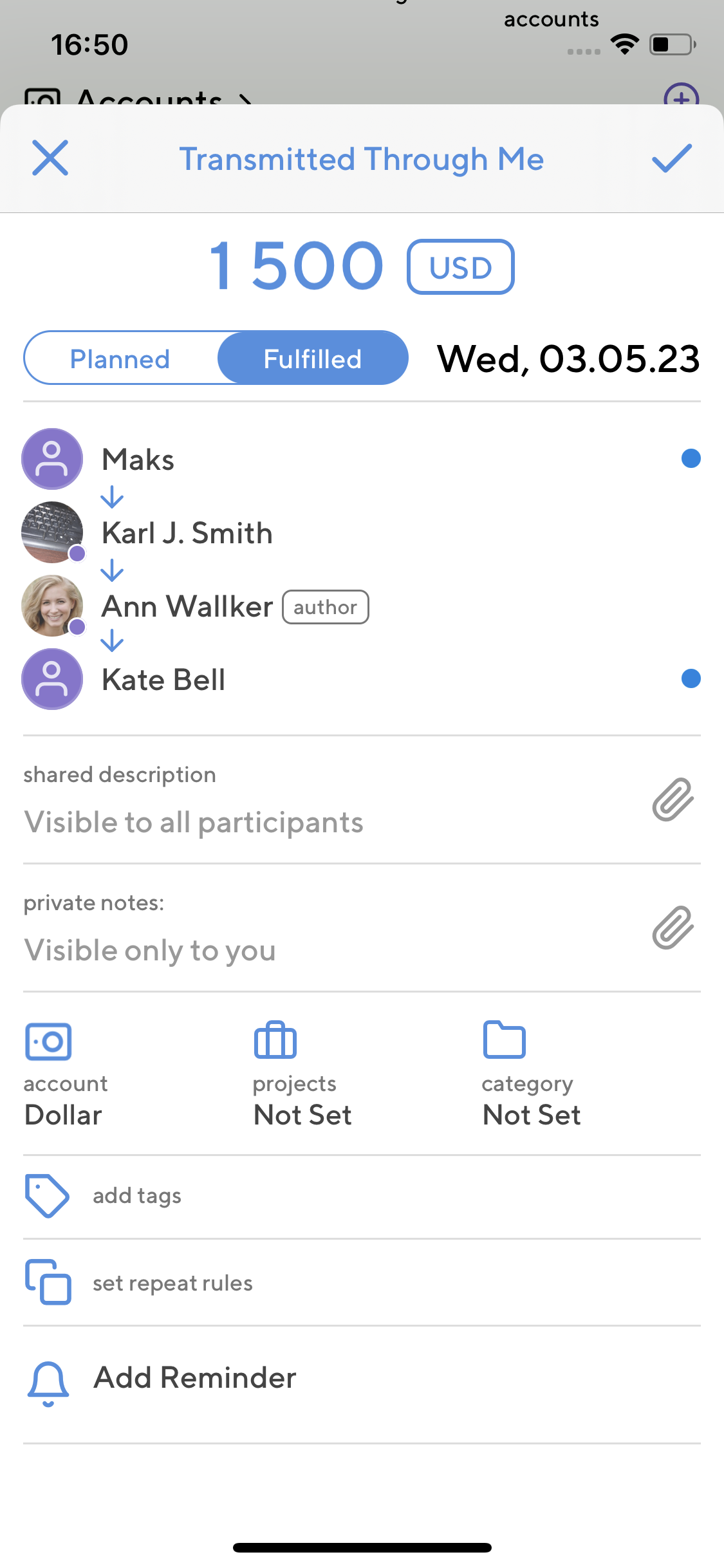
Transferring money through several persons doesn’t require creating several transactions.
Incomes and expenses may have unlimited number of participants. This chain may be expanded from either side.
Chains may include both Argento users and manually created contragents.
combine personal & corporate finances
Arrange your transactions using a variety of useful tools.


Accounts and projects may be either personal or shared along with their contents.
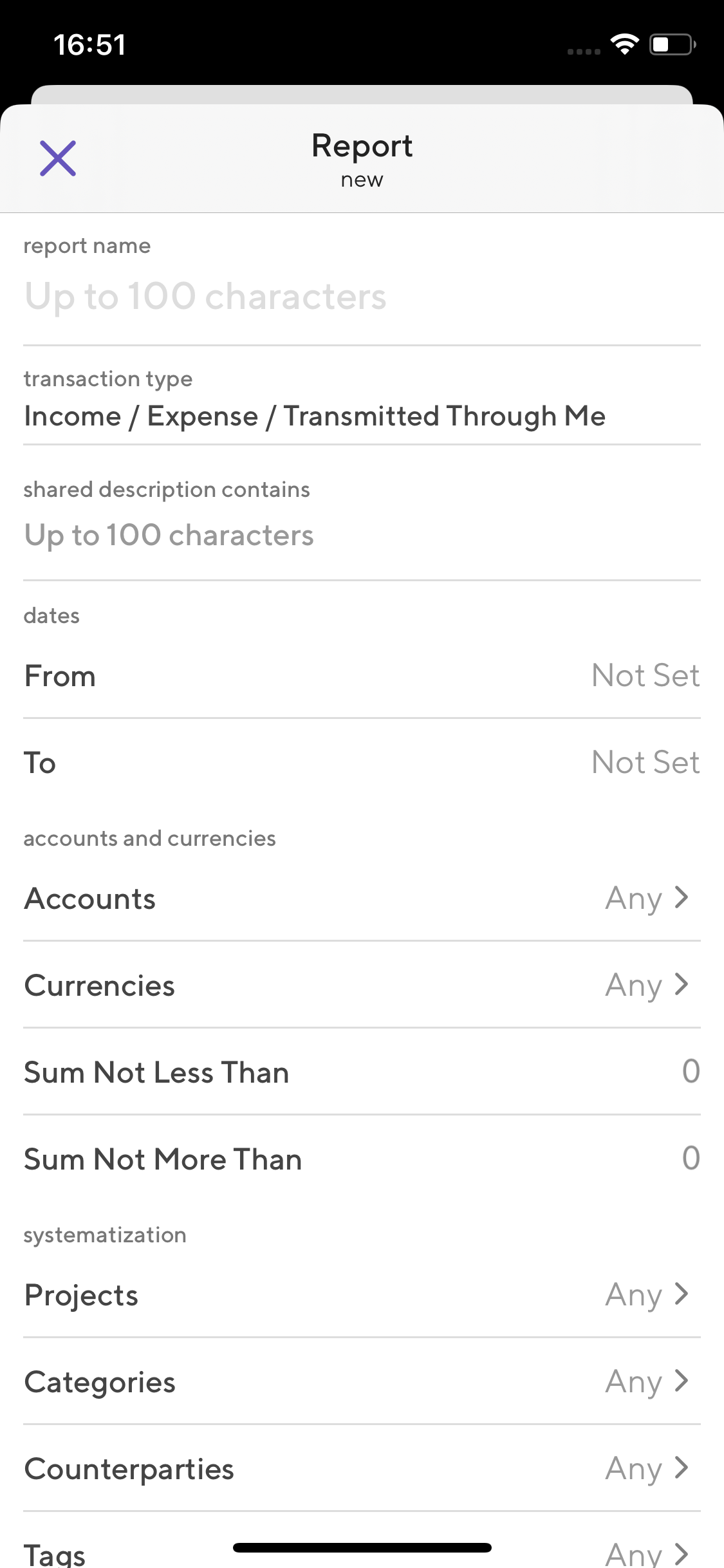
filter records using reports
The most flexible way of organizing your transaction is filters.
You adjust any necessary criteria (type, dates, users, etc.) and save the filter.
Then you’ll see the relevant transactions every time you open that filter.
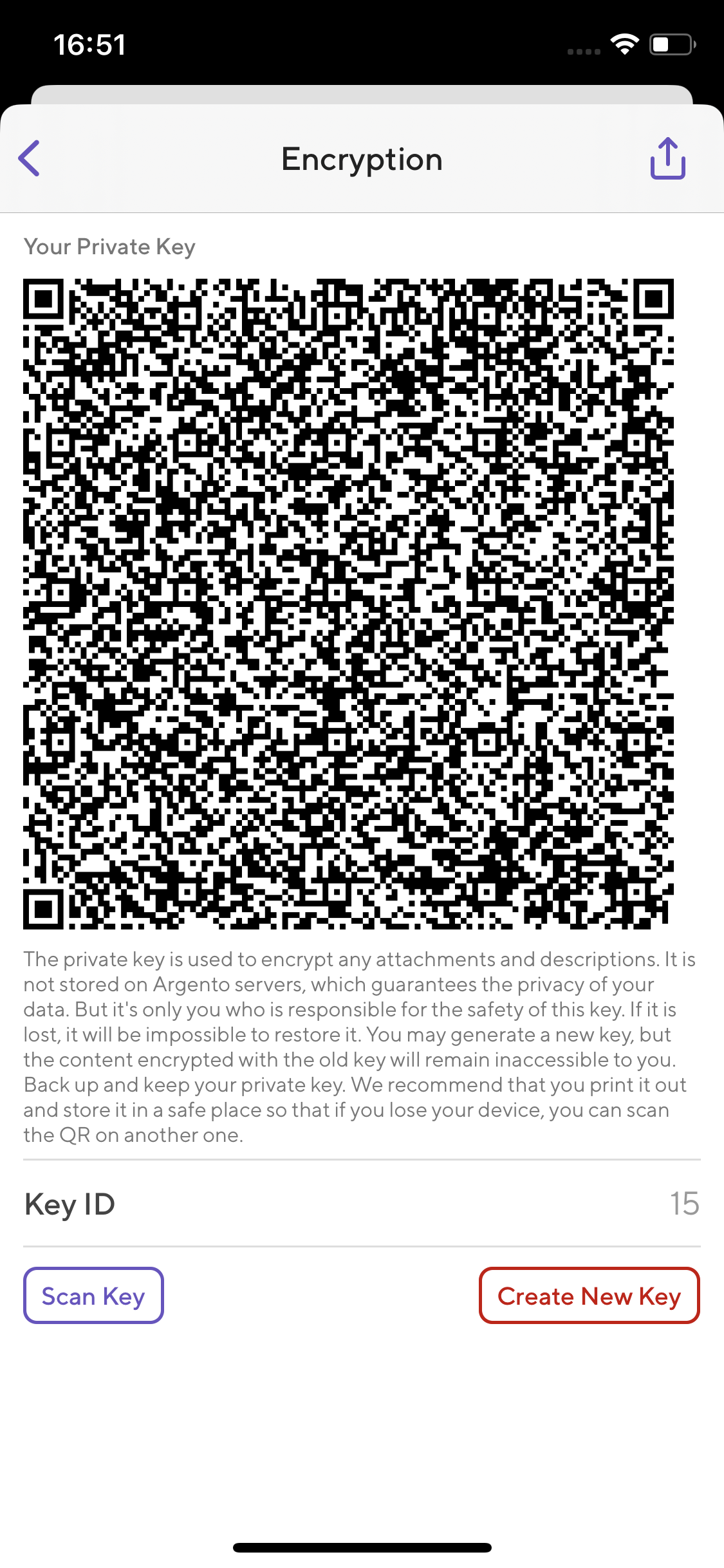
secure the most sensitive data
Argento uses reliable end-to-end encryption for private descriptions and any attachments.
Private keys are generated and stored only on your devices, so that Argento backend cannot decrypt anything.
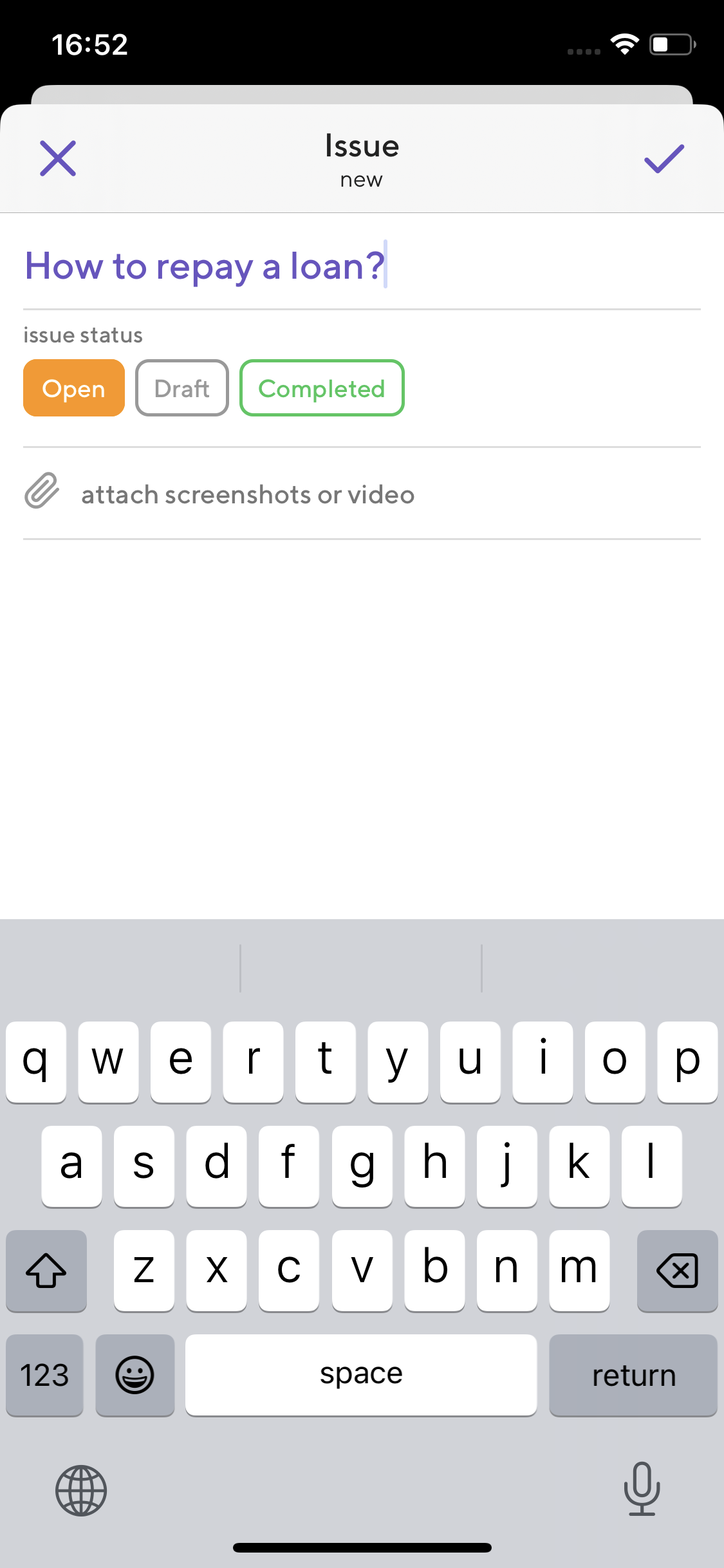
tell us what you think
Use our feedback module to get help, report bugs or publish proposals.
The ticket system with attachments and chats is build right into Argento.
You will receive push notifications when your requests get processed or commented.
look at the other useful features

plans
Plan your future incomes and expenses, view your plans as a calendar grid.

reminders
Set any necessary reminders for future transactions.

unified search field
You can search for transactions using any text fields.

customizable
main screen
main screen
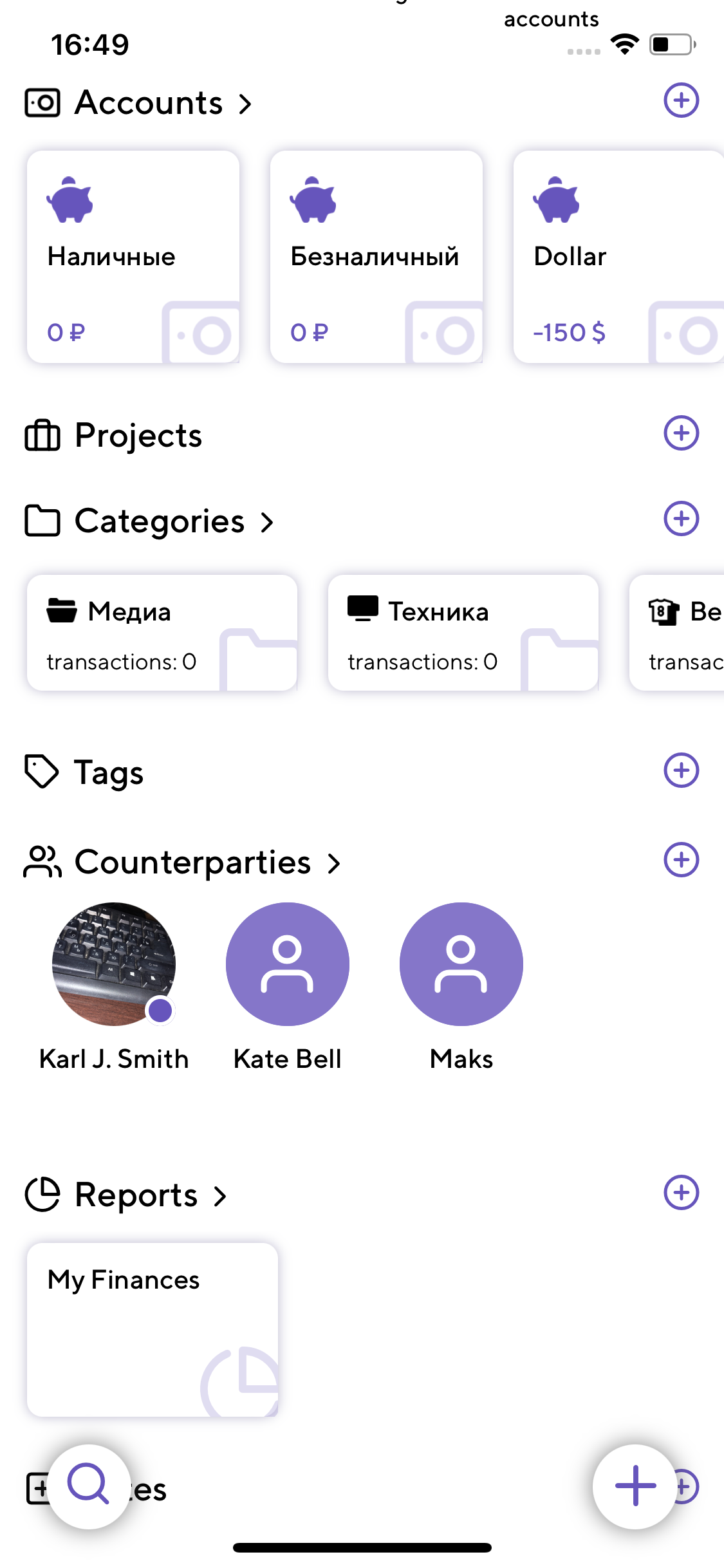
Drag and reorder blocks of the main app screen as you wish.

table view
Along with the list and the calendar view, every Argento screen may be represented as a detailed table.

XLS export
Export any list of transactions to Excel spreadsheet in couple of taps.
... and much more
PIN protection
currency rates
archived accounts
trash bin
currency rates
archived accounts
trash bin
address book sync
dark mode
project balance
recurring items
grouping
now that you know it ...
download Argento for:
iOS
Android
macOS

© 2023